
Harper College will be closed on Monday, September 7, in observance of Labor Day.
Step 1: Go to the website my.harpercollege.edu Enter your student email, then click next.
Enter your password, then click sign in. If you don’t have this information, call
847-925-6866.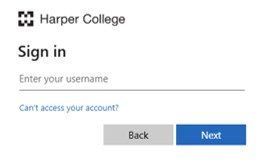
Step 2: On the upper left corner, click on the three horizontal lines.
Step 3: Click on “Success at Harper”.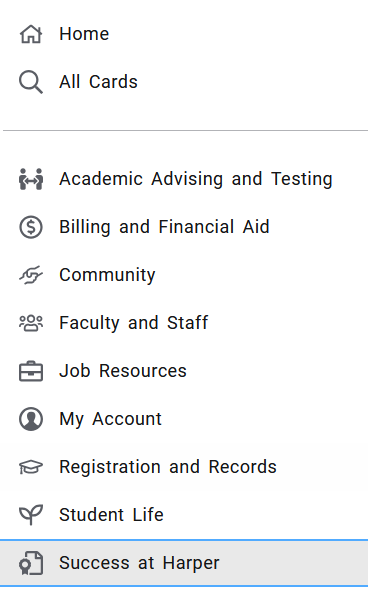
Step 4: You should see the ESL card on the first row to the right. 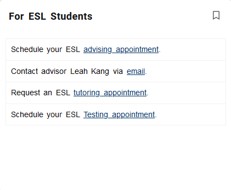
Click on the bookmark icon to have this card appear on your homepage without having
to search when you log into your account again.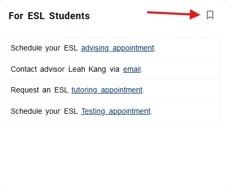
Use the ESL card to schedule your ESL testing appointments, ESL tutoring appointments,
or ESL Advisor appointments.
You must be level 4 or 5 in reading and writing to meet with the ESL advisor.