Harper College will be closed on Monday, September 7, in observance of Labor Day.
Go to my.harpercollege.edu and log into My Harper Student Portal. Need assistance logging in? Contact the Student Service Desk at 847.925.6866 or studentsd@harpercollege.edu.
Directions for students to access their Prep and Learning modules:
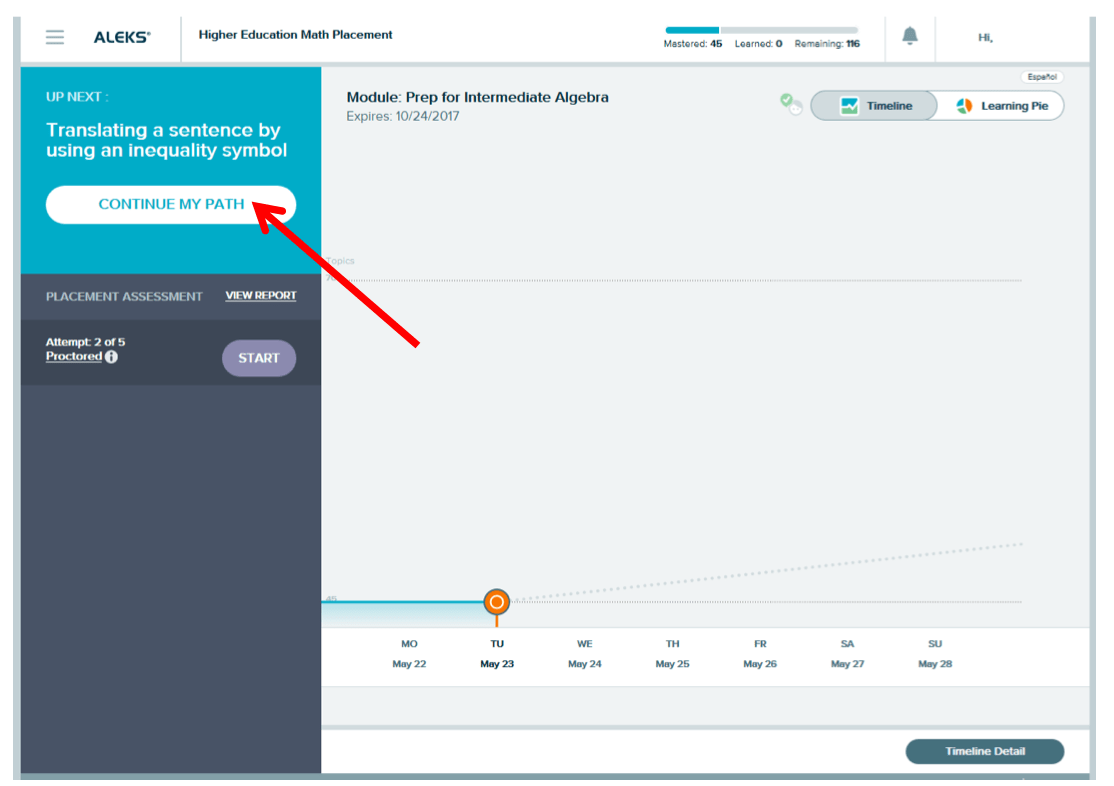
1. Start by clicking on the GET STARTED button. Please note: messaging will change to CONTINUE MY PATH after accessing the modules for the first time.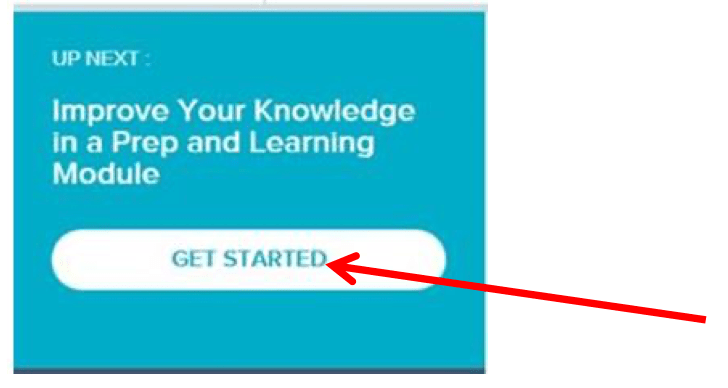
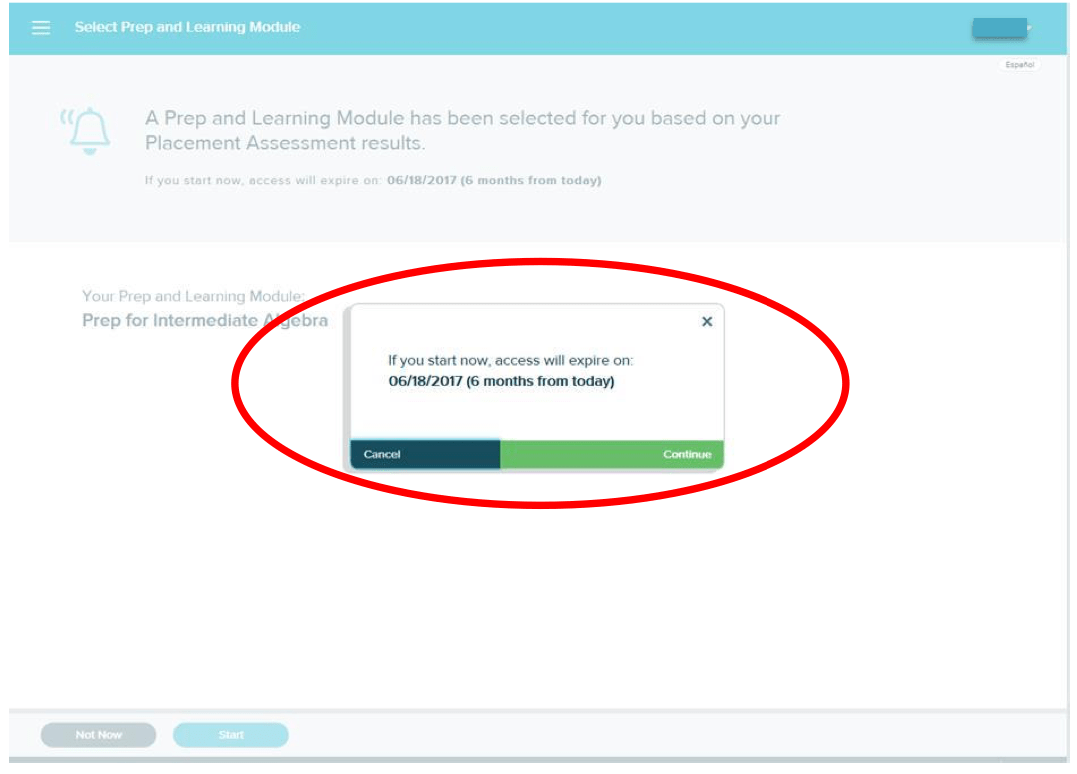
2. Starting the Prep & Learning modules begins 6 months of access.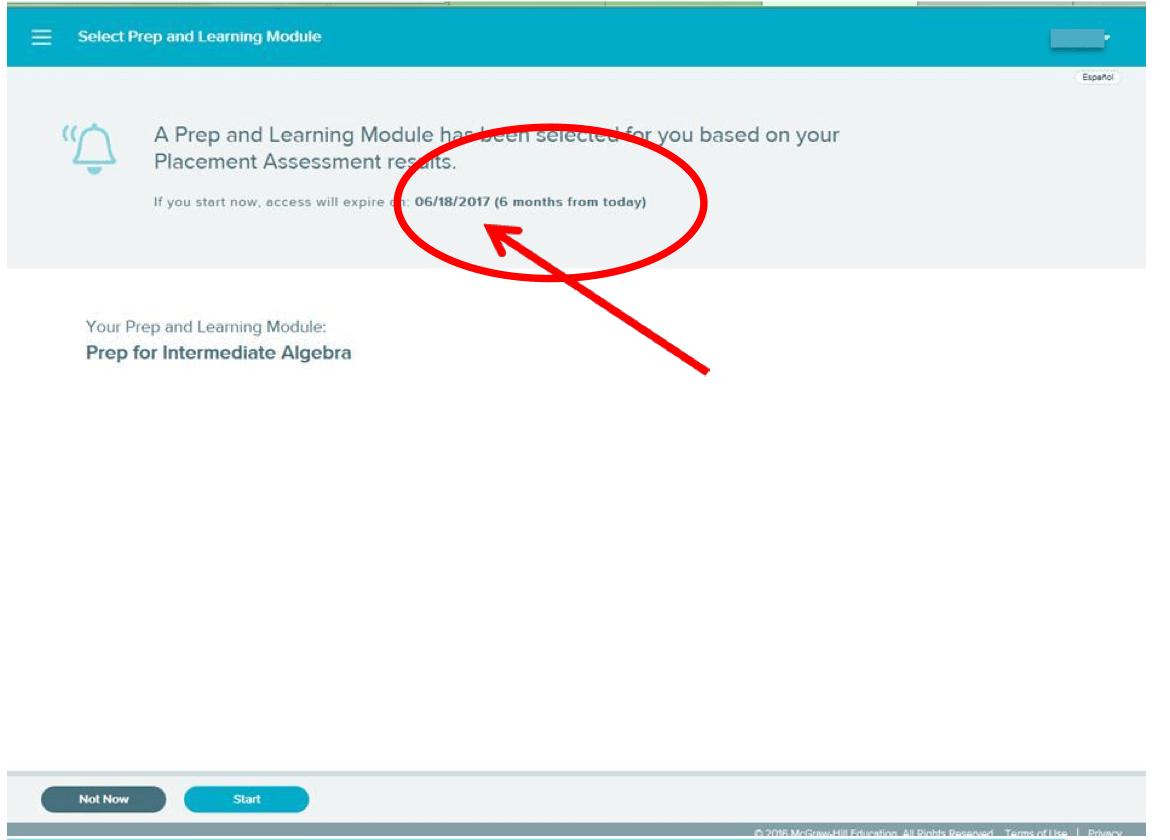
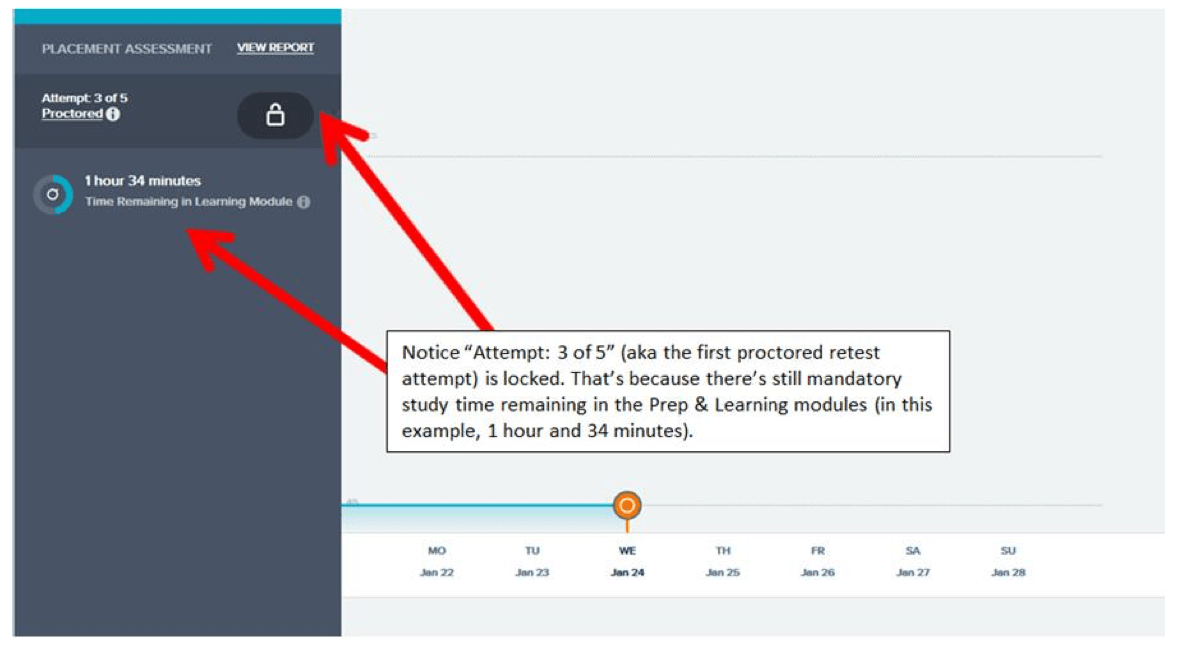
3. Keeping track of the amount of study time can be done on the homepage of the ALEKS profile.
In this example screenshot, notice "Attempt: 3 of 5" (aka the first proctored retest attempt) is locked. That's because there's still mandatory study time remaining in the Prep and Learning modules (in this example, 1 hour and 34 minutes).